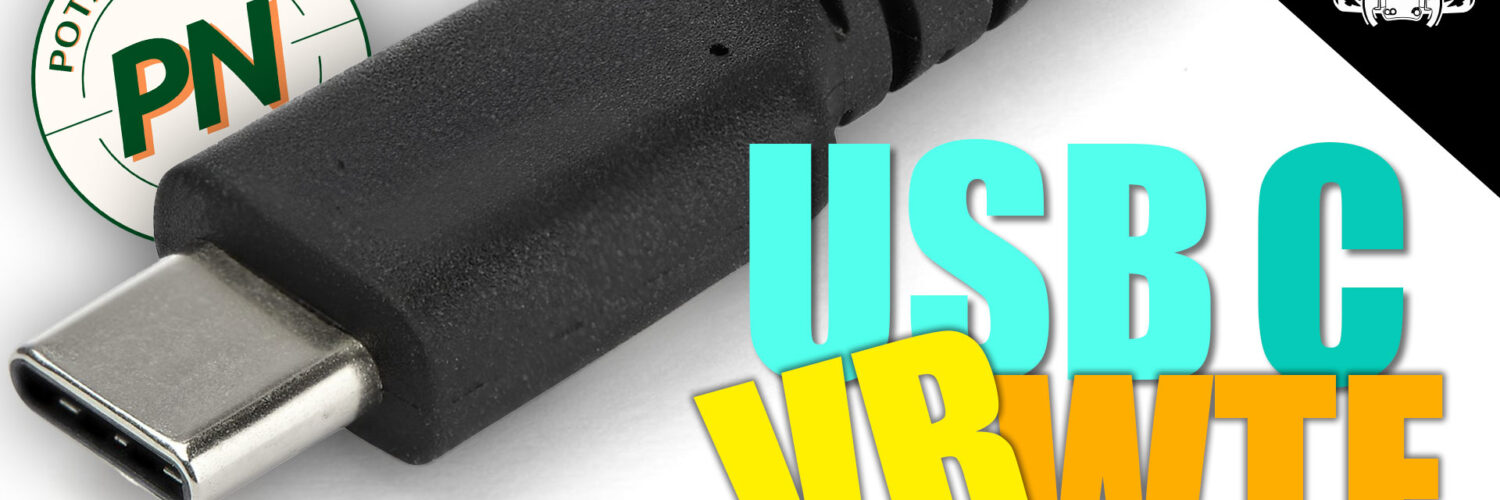
Quick answer: USB-C describes the connector, not everything travelling through it. A VR headset may need a combination of display video, ordinary USB data and power. Two ports that look identical can therefore offer very different capabilities.
Article update: I originally published this explainer in June 2024, before Sony released its official PlayStation VR2 PC adapter. It has been revised to reflect the finished PC implementation and to remove speculation from the original article.
Jump to: USB-C versus USB · What a VR connection carries · The software layer · PSVR2 on PC · Compatibility checklist
USB-C is a connector, not a single capability
The term USB-C is often used as though it describes one standard. It really describes the small reversible connector. Depending on the computer, device and cable, a USB-C connection may carry USB data, power, DisplayPort video or other supported modes.
That means the presence of a USB-C socket does not guarantee DisplayPort Alt Mode, a particular USB speed or enough power for every device. The USB Implementers Forum’s Type-C overview explains that functions such as USB4 and DisplayPort are additional capabilities discovered by compatible devices.
What a wired VR connection may need to carry
A wired PCVR headset can need several things at once:
- display data for the headset panels;
- USB data for tracking cameras, sensors, audio and controls;
- power for the headset and its electronics; and
- software that exposes the hardware correctly to the VR runtime and individual games.
Manufacturers solve this in different ways. Some headsets use a dedicated DisplayPort connection alongside USB. Others transmit compressed video over a USB or network data connection. A USB-C plug alone does not tell you which approach a headset uses.
SteamVR is only part of the software stack
SteamVR can provide the runtime and game-facing environment, but the headset still needs suitable drivers and supporting software. Features such as eye tracking also need a path through the headset software, the runtime or OpenXR extension, and the game itself.
It is therefore too broad to say that SteamVR simply does or does not support eye tracking or haptics. Support depends on the headset integration and whether the application implements the relevant interface. Valve, for example, documents eye tracking through the OpenXR XR_EXT_eye_gaze_interaction extension for supported hardware.
What happened with PSVR2 on PC
Sony launched the official PSVR2 PC adapter in August 2024. The PC setup uses the adapter, a separately purchased DisplayPort 1.4 cable, USB and the required PlayStation VR2 software. This is clearer than trying to infer the headset’s PC capabilities from its USB-C connector.
According to Sony’s official adapter information, PSVR2 on PC does not support HDR, headset feedback, eye tracking, adaptive triggers or advanced controller haptics. Basic controller rumble is supported. Those are the confirmed limitations of Sony’s PC implementation; the available evidence does not justify attributing each missing feature specifically to USB bandwidth, Display Stream Compression or a proprietary HDR format.
A practical compatibility checklist
Before buying or connecting a PCVR headset, check the exact manufacturer requirements rather than relying on the connector shape:
- Does it require DisplayPort, HDMI, DisplayPort Alt Mode or ordinary USB data?
- Which USB generation and power requirements are specified?
- Does the cable support the required function, speed and length?
- Are dedicated drivers or a companion application required?
- Which features are supported on PC, and which are limited to the original console or platform?
Conclusion
The confusing part of USB-C is that identical-looking ports can carry different combinations of data, video and power. In VR, the hardware connection is only one part of the system: drivers, the runtime and game support also decide which features work.
For PSVR2 specifically, Sony’s finished PC solution gives us a firm answer. It uses a PC adapter and DisplayPort 1.4, while several PS5 features remain unavailable on PC. Checking the official requirements for the exact headset and computer is far more reliable than judging compatibility from the presence of a USB-C socket.







This had better been published on a Tuesday!